
The internal hard drive for the PS5 is a high-speed M.2 NVMe SSD that lets you expand your console’s storage without sacrificing performance. Unlike traditional hard drives, it delivers near-instant load times, smooth gameplay, and fast asset streaming.
With modern games growing larger, adding an internal SSD ensures you can keep a bigger library installed, easily switch between titles, and enjoy the same seamless performance as the built-in storage. Properly chosen and installed, it’s a simple upgrade that future-proofs your PS5 and enhances your gaming experience.
| Feature / Topic | Details |
| Type | M.2 NVMe Solid-State Drive (SSD) |
| Purpose | Expands PS5 storage while maintaining native performance |
| Built-in Storage | Standard PS5: 825 GB (usable space less due to system files) |
| Performance | Near-instant load times, smooth texture streaming, seamless gameplay |
| Game Library | Supports PS5 and PS4 games; allows easy switching without reinstalling |
| Capacity Options | 500 GB, 1 TB, 2 TB, 4 TB or more |
| Compatibility Requirements | PCIe Gen 4 x4, M.2 form factor, read speed ≥5500 MB/s, heatsink required, size must fit expansion bay |
| Heatsink Importance | Prevents overheating, maintains speed, and prolongs longevity |
| Installation | Remove cover → insert SSD → secure with screw → format in system settings |
| Storage Management | Choose the default installation location, and move games between drives easily |
| Internal vs External | Internal SSD: full PS5 performance; External drive: mainly PS4 games and backups |
| Common Mistakes | Installing incompatible SSD, no heatsink, forcing SSD, ignoring updates, using slow/unbranded drives |
| Benefits of Upgrade | More storage, better organization, future-proofing, full-speed gameplay |
Internal Hard Drive for the PS5
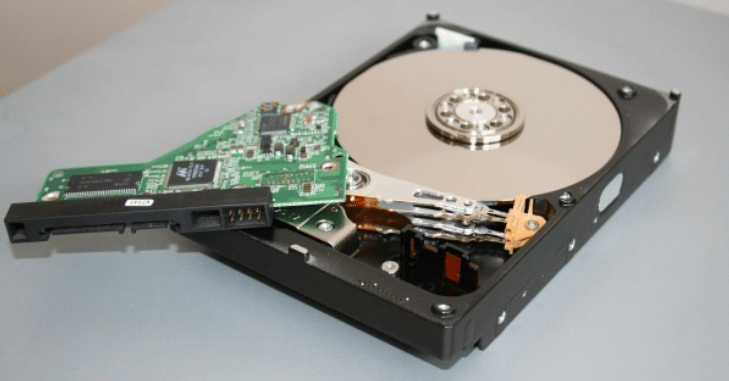
The internal hard drive for the PS5, more accurately an M.2 NVMe solid-state drive (SSD), is a crucial component for expanding the console’s storage capacity while maintaining its high-speed performance. Unlike traditional mechanical hard drives, this SSD has no moving parts, enabling it to read and write data almost instantaneously and resulting in extremely fast game load times, smooth texture streaming, and seamless in-game performance.
The PS5 comes with a built-in SSD, but its usable space is limited due to system files, and modern games are increasingly large, often exceeding 100 GB. Installing a compatible internal SSD provides additional storage space for PS5 and PS4 games, downloadable content, updates, and media, giving players the freedom to keep a large library of games installed without constantly managing or deleting files.
Internal SSDs are designed to integrate directly into the PS5’s expansion slot, functioning as native storage with the same high-speed performance as the original drive. This ensures that players can enjoy uninterrupted gameplay, near-instant load times, and the ability to switch between games quickly.
Understanding PS5 Internal Storage
- The PS5 does not use a traditional mechanical hard disk drive (HDD)
- It comes with a custom high-speed solid-state drive (SSD) that allows games to load almost instantly
- The standard PS5 includes 825 GB of internal storage, while newer models may offer higher capacity
- A portion of the internal storage is reserved for system files, reducing the usable space for games
- Many PS5 titles exceed 100 GB in size, causing storage to fill up quickly
- Internal storage expansion is essential for gamers who want to keep multiple large games installed simultaneously
Why You Should Upgrade PS5 Internal Storage?
Upgrading the internal storage of your PS5 provides several important advantages:
More Storage Space
You can store more games, downloadable content, updates, and media without constantly deleting files, which greatly improves convenience and overall gaming enjoyment. With expanded internal storage, you no longer have to choose which games to remove to make room for new releases or updates.
Native PS5 Performance
Games installed on the internal SSD run at full speed, delivering near-instant load times, seamless in-game transitions, and smooth texture streaming. This means large open-world environments, detailed character models, and high-resolution assets load quickly without noticeable delays or stuttering.
Better Organization
You can manage your game library more efficiently, easily organizing which titles are stored on the internal SSD versus the built-in storage. This allows you to switch between games quickly without the need to uninstall and reinstall them, saving time and bandwidth.
Futureproofing
Game sizes are increasing every year due to higher-resolution graphics, more detailed environments, and larger open-world maps, so adding more storage now ensures you are prepared for upcoming releases. With additional space, you can install new titles immediately without worrying about deleting older games.
PS5 Internal SSD Compatibility Requirements
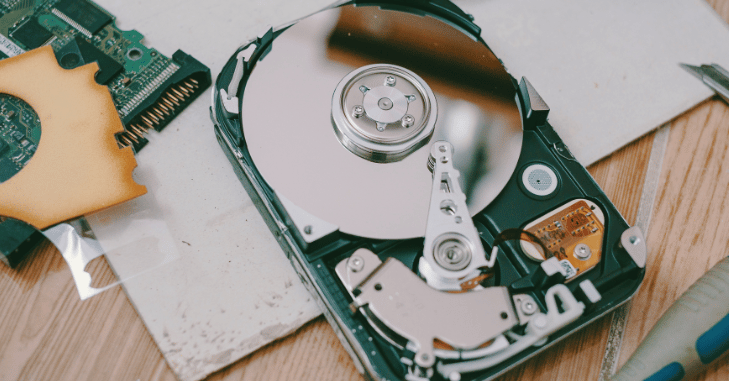
- Not every SSD is compatible with the PS5, as Sony has strict requirements to ensure optimal performance and system stability
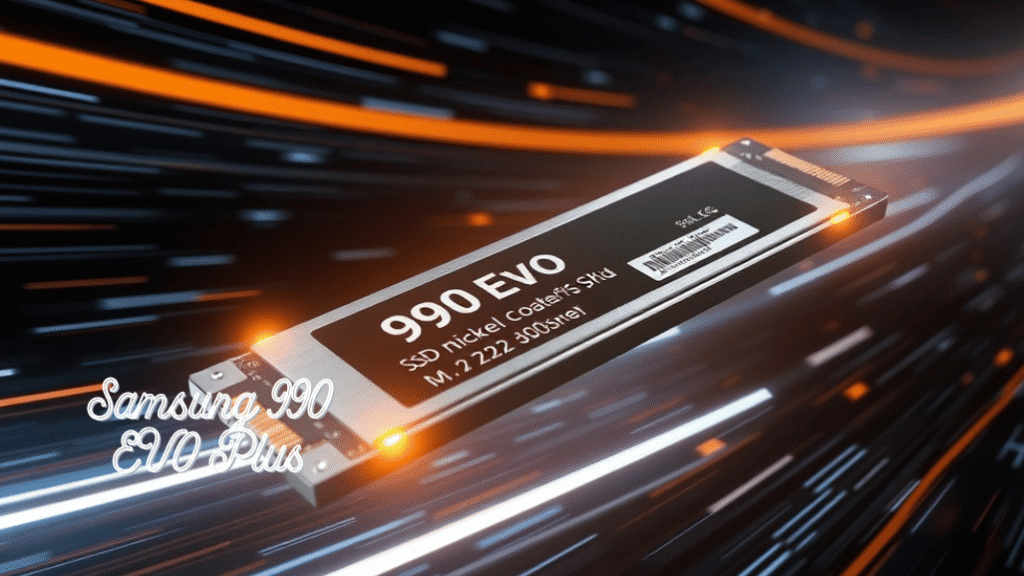
- Required interface must be PCIe Gen 4 x4 NVMe
- The SSD must use the M.2 form factor
- Supported physical sizes include 2230, 2242, 2260, 2280, and 22110
- Minimum sequential read speed should be approximately 5500 MB per second
- Supported storage capacity ranges from 250 GB to 8 TB
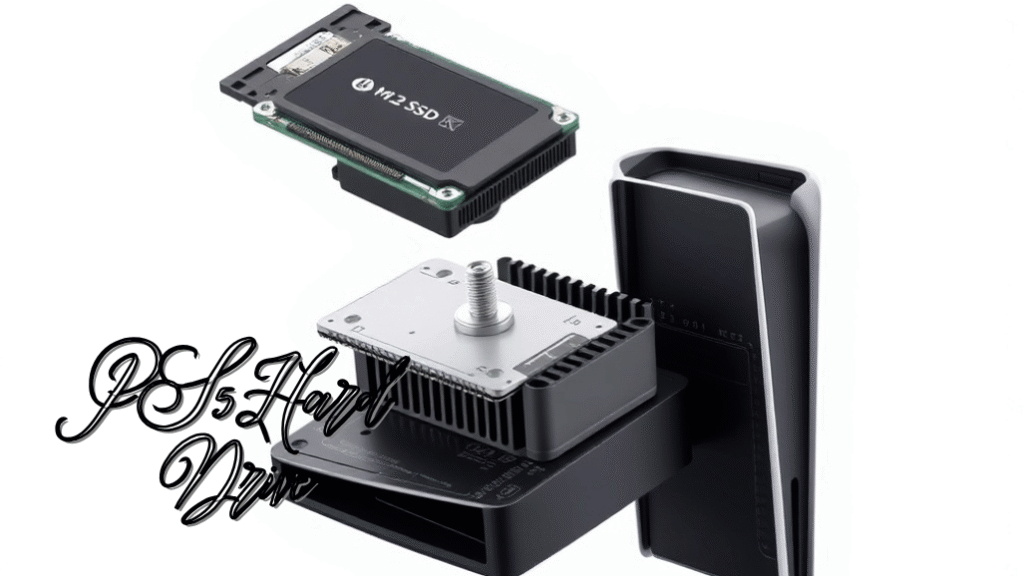
- A heatsink is mandatory to ensure proper cooling and prevent overheating
- The total height of the SSD, including the heatsink, must fit within the PS5 expansion bay dimensions
- SSDs that do not meet these requirements may fail to install properly, perform poorly, or cause system instability
Importance of a Heatsink
The PS5 does not include active cooling for the SSD expansion slot, making effective heat management crucial for maintaining performance and reliability. During gameplay, especially with large open-world or graphically intensive titles, the SSD can generate significant heat as it continuously reads and writes data at high speeds.
Without proper cooling, this heat can accumulate rapidly inside the console. A heatsink plays a vital role by absorbing and dispersing this heat, helping the SSD maintain safe operating temperatures.
How to Install an Internal SSD in PS5?
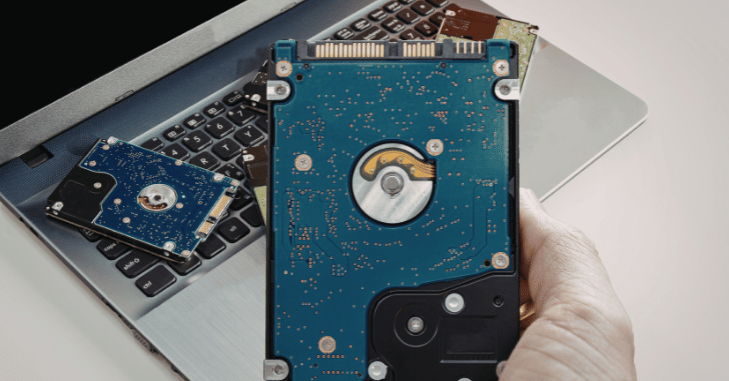
Installing an internal SSD is straightforward, but it should be done carefully.
- Turn off the PS5 completely and unplug all cables
- Place the console on a flat surface
- Remove the outer cover to access the SSD expansion slot
- Unscrew the slot cover
- Insert the SSD at a slight angle into the connector
- Secure the SSD using the mounting screw
- Replace the slot cover and console panel
- Power on the PS5 and format the SSD when prompted
Storage Management After Installation
After installing the internal SSD, the PS5 gives you full control over how your storage is used through its system settings. You can choose whether new games and applications are installed by default on the built-in console storage or the newly added internal SSD, allowing you to prioritize space and performance based on your preferences.
Both PS5 and PS4 games can be stored on either drive, and the system treats the expanded SSD as native storage, ensuring smooth performance and fast load times. In addition, the PS5 allows you to move games between the built-in storage.
Recommended Internal SSD Capacity Options
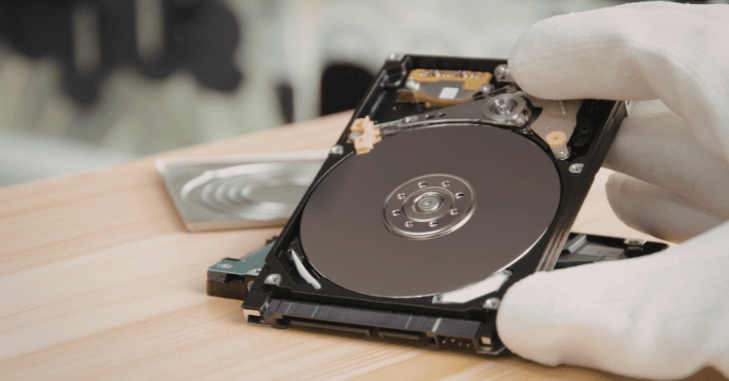
| SSD Capacity | Best For |
| 500 GB | Suitable for players who install only a few games at a time |
| 1 TB | Ideal for most users, offering a good balance of price and storage |
| 2 TB | Perfect for gamers with large libraries and frequent downloads |
| 4 TB or More | Best for enthusiasts who want maximum space and long-term storage without worrying about capacity |
Performance Differences and Real-World Experience
In real-world gaming, a compatible internal SSD delivers performance that is nearly identical to the PS5’s original built-in storage. Games load quickly, transitions between menus feel instant, and fast travel systems work smoothly without noticeable delays.
Open-world titles benefit the most, as textures, environments, and assets stream seamlessly in the background without pop-ins or stuttering. Gameplay remains stable even during intense scenes that require rapid data access, ensuring a consistently smooth experience.
Internal SSD vs External Storage
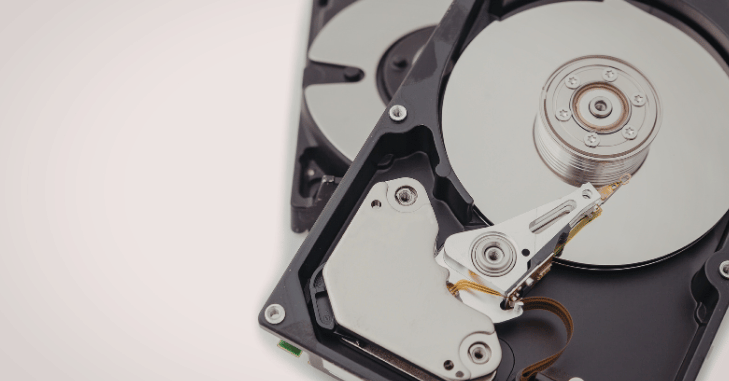
- Internal SSDs and external drives are designed for different purposes in the PS5 ecosystem
- Internal SSDs allow PS5 games to be installed and played directly with full performance
- Load times, game streaming, and overall gameplay remain fast and seamless on internal SSDs
- External drives are mainly useful for storing PS4 games and media files
- PS5 games can be stored on external drives, but must be moved back to internal storage to be played
- External drives are ideal for backups and freeing up internal space
- For the best overall gaming experience, upgrading the internal SSD is the recommended solution
Common Mistakes to Avoid
Installing an incompatible SSD is one of the most common mistakes and can lead to system errors, poor performance, or the drive not being recognized at all. Using an SSD without a proper heatsink increases the risk of overheating, which may cause performance throttling or long-term damage.
Forcing the SSD into the expansion slot can physically damage both the drive and the console, resulting in costly repairs. Ignoring firmware updates for the SSD or system software updates for the PS5 may lead to compatibility issues and reduced stability.
Conclusion
An internal hard drive for the PS5 with a compatible internal SSD is one of the most effective ways to enhance your console’s performance and storage flexibility. By adding a high-speed M.2 NVMe drive, you can expand your game library, enjoy near-instant load times, smooth gameplay, and seamless asset streaming, all while maintaining the same performance as the built-in storage.
Properly selected and installed, an internal SSD not only provides immediate benefits, such as better organization, faster access to games, and more room for updates and downloadable content- but also future-proofs your console for larger, more demanding titles in the years ahead.
Want to know about NVIDIA AI News: How NVIDIA is Transforming Gaming, Robotics, Life Sciences, and Enterprise AI with Alpamayo, and Physical AI Check out our AI Tech category.
FAQs
The internal hard drive is a high-speed M.2 NVMe SSD that expands the PS5’s storage while maintaining fast load times, smooth gameplay, and seamless asset streaming.
The standard PS5 includes 825 GB of internal storage, but a portion is used by system files, leaving less space for games.
Yes, games installed on a compatible internal SSD run at full speed, just like on the PS5’s built-in storage.
It must be PCIe Gen 4 x4, M.2 form factor, have a minimum read speed of 5500 MB/s, include a heatsink, and fit within the expansion slot dimensions.
Yes, the PS5 allows you to move both PS5 and PS4 games between the internal SSD and the built-in storage for flexible library management.
A heatsink prevents overheating, maintains consistent performance, and extends the lifespan of the SSD during extended gaming sessions.