
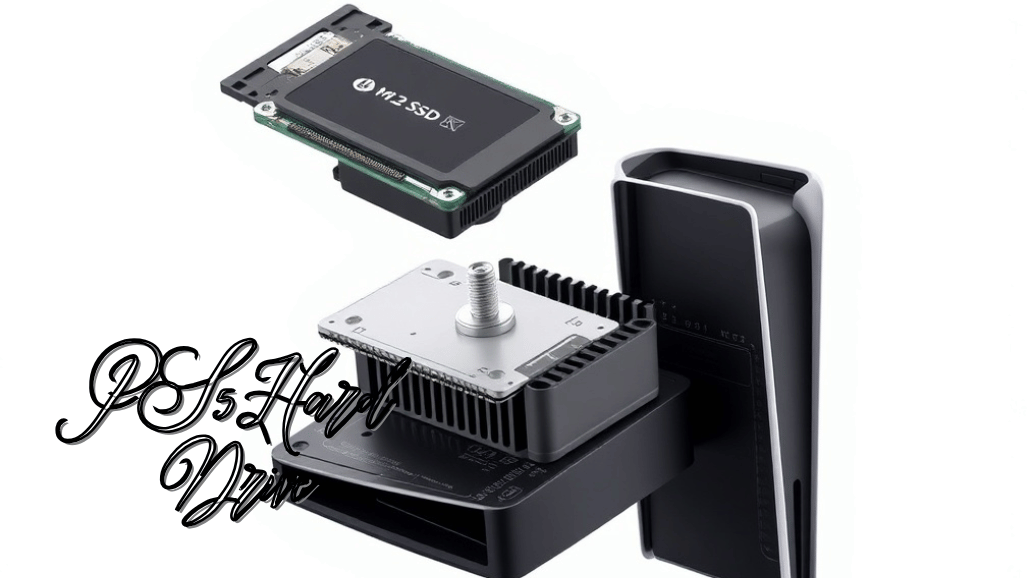
The PlayStation 5 has revolutionized gaming with its lightning-fast load times, breathtaking graphics, and deeply immersive gameplay. But even with its cutting-edge hardware, one challenge remains for gamers: limited storage space. With many modern titles exceeding 80–150 GB, the PS5’s internal drive can fill up in no time, forcing players to constantly juggle which games to keep or delete.
Understanding the console storage options, capacity limits, and upgrade paths is essential for anyone looking to build a growing game library and enjoy a seamless, next-gen gaming experience. This guide explains everything you need to know about PS5 hard drives and storage, including built-in capacity, expansion methods, compatible SSDs, heatsink requirements, and the real-world performance benefits of upgrading.
| PS5 hard drive | Supported Games | Key Benefits | Limitations |
| Internal NVMe SSD Expansion | PS5 & PS4 games | Ultra-fast load times, seamless integration, and future-proof | Higher cost, requires installation, must meet Sony specs |
| External USB Hard Drive (HDD) | PS4 games only | Affordable, large capacity | Cannot run PS5 games, slower speeds |
| External USB SSD | PS4 games only | Faster load times than HDD, portable | Cannot run PS5 games, more expensive |
| Cloud Storage (PlayStation Plus) | Game saves only | Protects saved data, accessible anywhere | Cannot install games or store media |
| Heatsink for Internal SSD | All PS5-installed SSDs | Prevents overheating, maintains performance, and extends lifespan | Must fit M.2 bay, max height 11.25 mm |
Understanding PS5 Hard Drive

The PlayStation 5’s internal storage is incredibly fast, but its limited capacity can quickly become a bottleneck for gamers with large digital libraries. Understanding PS5 hard drive options, storage limits, and compatible SSD upgrades is essential to maximizing the console’s potential.
By investing in a high-speed, Sony-compatible NVMe SSD with a proper heatsink, users can expand storage safely while maintaining optimal performance, faster load times, and smoother gameplay. Whether upgrading the internal SSD, using external drives for PS4 games, or leveraging cloud backups, knowing the right PS5 storage upgrade methods ensures a future-proof, seamless gaming experience.
PS5 Storage Limits Explained
- The PS5 uses an ultra-fast storage architecture designed for next-generation performance
- Sony enforces strict storage requirements to maintain speed and consistency
Key Storage Limitations
- PS5 games must run from an SSD
- Standard mechanical hard drives (HDDs) cannot run PS5 titles
- External drives are limited to:
- Playing PS4 games
- Media storage
- Backup and archival purposes only
- These restrictions ensure:
- Optimal gameplay performance
- Faster load times
- Stable in-game streaming of assets
PS5 Storage Options Overview
The PlayStation 5 offers three primary PS5 storage options for its PS5 hard drive, designed to balance performance, convenience, and flexibility. Each option serves a specific purpose, depending on whether users prioritize speed, storage capacity, or ease of use.
Internal NVMe SSD Expansion
Internal NVMe SSD expansion is the most effective and recommended way to increase PS5 storage. By installing a compatible PCIe Gen 4 SSD into the console’s dedicated M.2 slot, users can run both PS5 and PS4 games directly from the expanded storage. This method preserves the PS5’s ultra-fast load times and ensures seamless integration with the system software.
External USB Hard Drives
External USB hard drives and SSDs provide a convenient way to add extra storage without opening the console. These drives can store and play PS4 games, archive PS5 titles for later use, and hold media files. While external storage is useful for managing large libraries, PS5 games cannot run directly from these drives and must be transferred back to the internal SSD.
Cloud Storage
Cloud storage is available through a PlayStation Plus subscription and focuses on data protection rather than game storage. It is primarily used for backing up games to save data and user profiles, ensuring progress is not lost. Cloud storage does not support game installations or media file storage, making it a complementary option rather than a replacement for physical storage upgrades.
PS5 Internal SSD Upgrade
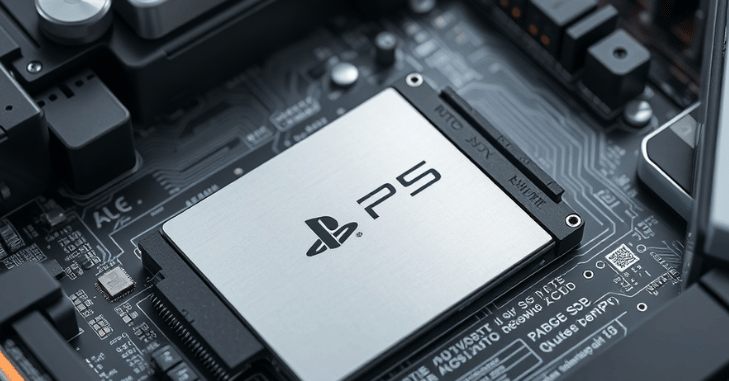
Sony designed the PS5 with a dedicated M.2 SSD expansion slot that allows users to upgrade their PS5 hard drive by installing compatible NVMe SSDs for additional high-speed storage.
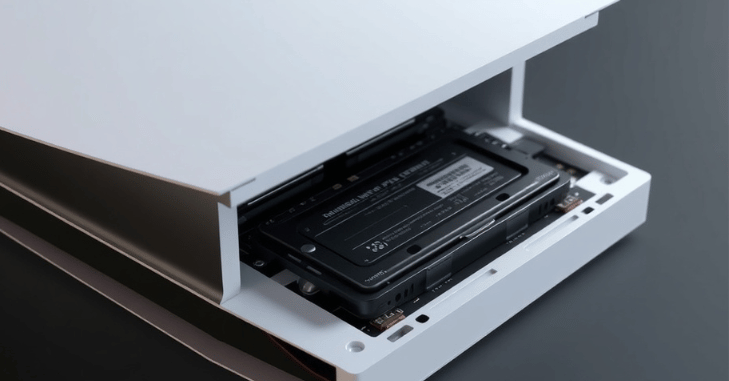
The installation process is simple and user-friendly: power off and unplug the console, remove the side panel, access the M.2 SSD slot, insert the SSD with a compatible heatsink, secure it with the provided screw, and replace the panel.
Compatible SSD Requirements for PS5
Compatible SSD Requirements for PS5
- Not all NVMe SSDs are compatible with the PS5
- Sony has set strict technical requirements to ensure performance matches the internal SSD
Minimum SSD Specifications
- Interface: PCIe Gen 4.0 x4 NVMe
- Form factor: M.2 2280
- Sequential read speed: 5,500 MB/s or higher
- Supported capacity range: 250 GB to 4 TB
Recommended Capacity Choices
- 1 TB: Best balance between price and storage space
- 2 TB: Ideal for users with large digital game libraries
- 4 TB: Maximum supported capacity and a premium option for heavy gamers
Best Compatible SSD Brands for PS5
Although Sony does not officially endorse specific SSD brands, several models have been widely tested and proven to work reliably with the PS5. Popular PS5-compatible SSDs include the Samsung 980 Pro and 990 Pro, WD Black SN850X, Seagate FireCuda 530, Corsair MP600 Pro LPX, and Sabrent Rocket 4 Plus.
Why a Heatsink Is Essential for PS5 SSDs
High-speed NVMe SSDs in your PS5 hard drive generate significant heat, especially during extended gaming sessions or when running large PS5 titles. To prevent overheating and performance throttling, Sony requires a heatsink for all installed M.2 SSDs. Proper cooling ensures your PS5 hard drive maintains consistent speeds and protects the console from potential damage.
Benefits of Using a Heatsink
Using a heatsink provides several important benefits: it prevents thermal throttling, maintains stable read and write speeds, extends the lifespan of the SSD, and protects against unexpected system crashes. These advantages make a heatsink a critical component for maintaining optimal PS5 performance.
Heatsink Requirements
When selecting or installing a heatsink for a PS5 SSD, it must fit within the console’s M.2 SSD bay dimensions, with a maximum height of 11.25 mm. Heatsinks can either be pre-installed, which is recommended for most users, or added as an aftermarket option. Many PS5-ready SSDs come with low-profile heatsinks designed specifically to meet these requirements, ensuring compatibility and efficient cooling.
External Hard Drives
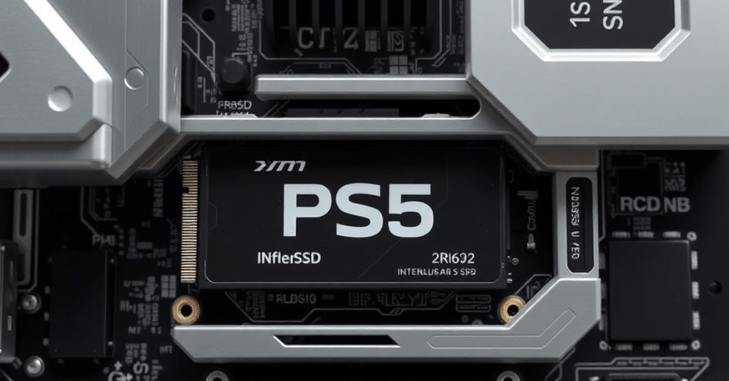
- External HDDs and SSDs are still useful for PS5 owners despite certain limitations.
Best Uses for External Drives
- Storing PS4 games
- Backing up PS5 titles
- Quickly freeing up internal storage space
External Drive Types
External HDD
- Affordable
- Offers a large storage capacity
- Slower read/write speeds compared to SSDs
External SSD
- Provides faster load times for PS4 games
- More expensive than HDDs
- Portable and compact
- For users with a PS4-heavy game library, external drives remain a practical storage solution.
Performance Benefits of Upgrading PS5 Storage
Upgrading your PS5 storage is more than just increasing space; it can significantly enhance gameplay quality. With a high-speed SSD, players experience faster load times, reduced texture pop-in, smoother open-world streaming, quicker game launches, and faster fast-travel transitions.
PS5-optimized games are designed to take full advantage of the console’s ultra-fast storage, making these improvements noticeable in everyday gaming and delivering a smoother, more immersive experience.
Does Upgrading Storage Improve FPS?
Indirect Benefits
- Faster asset loading
- Reduced stuttering
- Better open-world performance
- Improved patch installation speed
Common Mistakes to Avoid When Upgrading PS5 Storage
Avoid These Errors
- Buying PCIe Gen 3 SSDs
- Skipping the heatsink
- Choosing SSDs with low read speeds
- Installing oversized sinks
- Forgetting to format the SSD after installation
Following Sony’s guidelines ensures a smooth upgrade process.
Conclusion
The PlayStation 5’s internal storage is incredibly fast, but its limited capacity can quickly become a bottleneck for gamers with large digital libraries. Understanding PS5 hard drive options, storage limits, and compatible SSD upgrades is essential to maximizing the console’s potential.
By investing in a high-speed, Sony-compatible NVMe SSD with a proper heatsink, users can expand storage safely while maintaining optimal performance, faster load times, and smoother gameplay. Whether upgrading the internal SSD, using external drives for PS4 games, or leveraging cloud backups, knowing the right PS5 storage upgrade methods ensures a future-proof, seamless gaming experience.
Want to know about Nintendo Switch 2 Micro SD Card: Maximizing Storage, Enhancing Performance, and Optimizing Your Gaming Experience for Large Digital Libraries Check out our Hardware category.
FAQs
The revised model, which now has 825 GB of internal SSD storage instead of 1 TB, was just released in Europe and can now be purchased on the US PlayStation Direct website.
Many people may find that a PS5 with 4TB of storage is “enough” to accommodate a substantial game collection, even if our top choice offers twice as much storage
Fortunately, gamers can increase their storage thanks to the PS5’s M. 2 SSD connection.
Your PS5 console can store up to 100 games** thanks to its 4TB* storage.