
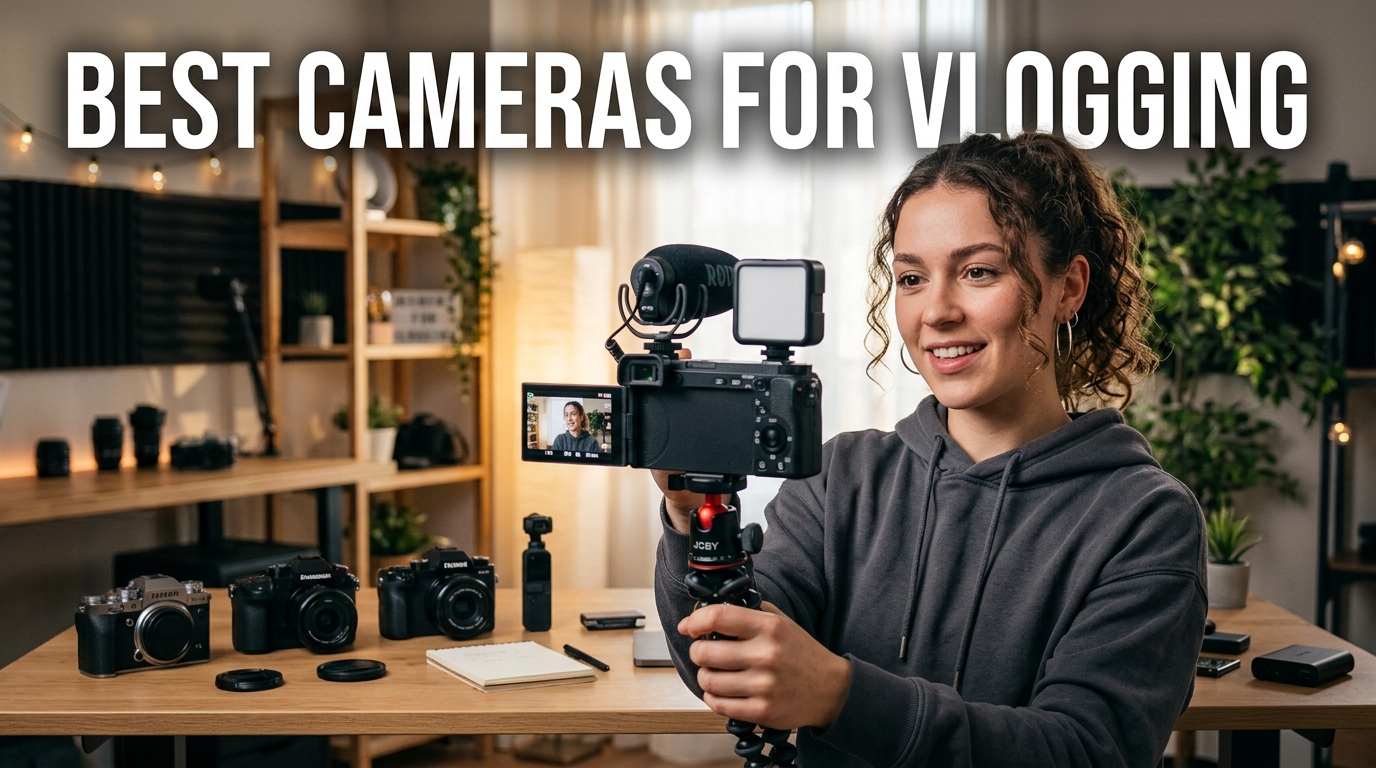
The best cameras for vlogging make it easy to record clean video and usable audio without slowing you down. Choose a pocket model for travel, a mirrorless camera for creative control, or an action camera for movement and weather.
Quick comparison
| Option | Best for | Why it stands out | Budget |
|---|---|---|---|
| Sony ZV-E10 II | Growing channels | Interchangeable lenses | Mid |
| DJI Osmo Pocket | Travel video | Gimbal stabilization | Mid |
| Canon EOS R50 V | Beginner creators | Video-first controls | Mid |
| Sony ZV-1F | Simple framing | Wide lens, flip screen | Budget |
| GoPro HERO13 Black | Action footage | Rugged stabilization | Mid |
TL;DR
- Start with the use case, not a feature list.
- Keep the setup simple enough to use every week.
- Compare the tradeoffs before paying for premium extras.
Prioritize audio and autofocus
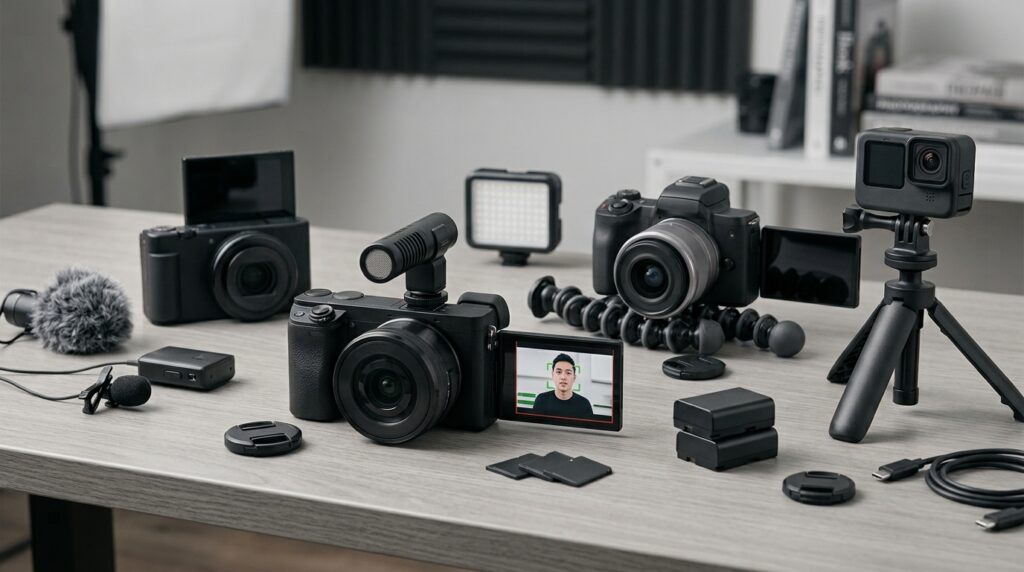
Viewers forgive a small amount of grain more easily than muffled sound or a face that drifts out of focus. Check microphone options, wind handling, face tracking, and how quickly the camera recovers when you move.
For a related plain-English resource, see our practical how-to tutorials.
Choose the Best Cameras for Vlogging Style for the Way You Move
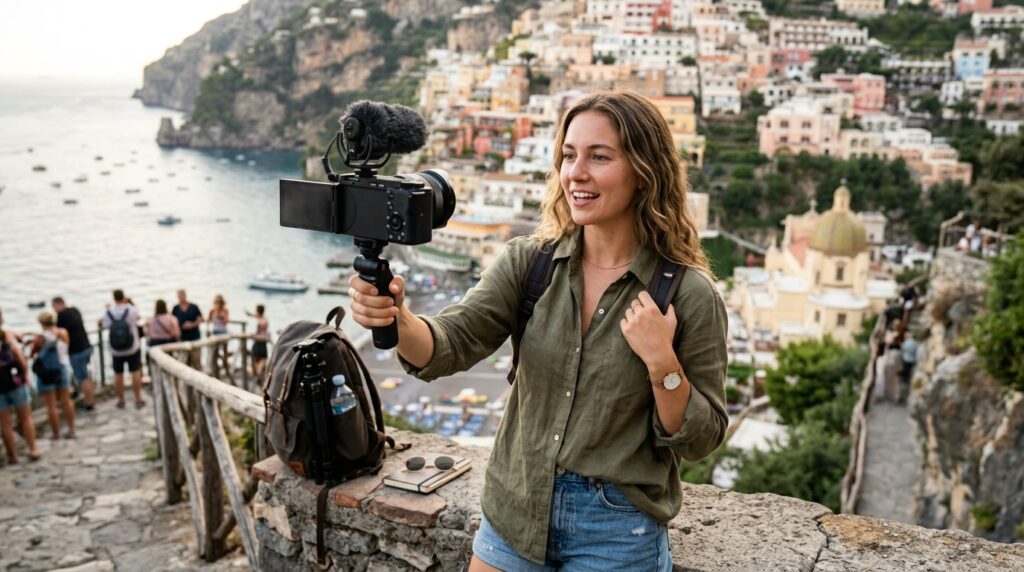
Pocket gimbal cameras reward travel creators who walk and talk. Mirrorless cameras let you change lenses and build a visual look. Action cameras handle bikes, water, and fast movement. The best choice is the one you can set up quickly.
Think about the whole recording setup
A camera needs a card, power, storage, and a simple mounting plan. Check clip length, heat behavior, battery swaps, and whether vertical framing is easy. A modest kit you use weekly beats a complicated kit that stays in a drawer.
Make a practical recommendation
Choose ZV-E10 II for lens flexibility or Osmo Pocket for smooth travel footage. EOS R50 V offers an approachable creator setup. ZV-1F handles simple wide shots, while HERO13 Black fits action. Test your usual room and route before committing.
How to make a confident choice
- Write down the task you do most often.
- Set a total budget that includes accessories or subscriptions.
- Try the simplest option that meets the task.
- Review after one week and adjust only what blocks progress.
This method keeps the choice practical. It also prevents a long feature list from replacing a real decision. A focused setup is easier to learn, easier to maintain, and more likely to deliver the result you wanted.
Frequently asked questions
Yes for many creators. A dedicated camera becomes useful when you need better stabilization, lens options, audio controls, or longer recording.
Reliable autofocus, a flip screen, clear audio, and a simple way to transfer footage.
4K gives editing flexibility, but framing, lighting, and sound matter more than resolution alone.