
In an era where almost every interaction happens on screen, your webcam is more than just a camera’s digital handshake. From live-streaming epic gameplay to hosting virtual workshops or video meetings, the quality of your webcam directly shapes how others perceive you.
Grainy visuals, poor lighting, or lagging video can make even the most confident presenter seem unpolished. Investing in the best streaming webcam ensures your image is sharp, your movements smooth, and your presence compelling, whether you’re a creator, gamer, or professional.
This complete guide explores everything you need to know about choosing the best streaming webcam, including resolution options like 1080p and 4K, autofocus technology, and strong low-light performance, helping you make the right decision for your setup and budget.
| Category | Key Features | Ideal For | Notes |
| 1080p Webcams | Full HD resolution, moderate bandwidth, widely supported | Beginners, professionals, and everyday creators | Affordable, versatile, reliable |
| 4K Webcams | Ultra HD resolution, cropping/zoom, future-ready | Advanced creators, professional content, studio setups | Requires strong lighting and powerful hardware |
| Content Creators | Accurate color, autofocus, manual controls, and best streaming webcam software customization | YouTube, TikTok, tutorials, podcasts | Focus on professional-looking content |
| Gamers | High frame rates, low latency, autofocus, OBS/Streamlabs compatible | Twitch, live gameplay, reaction videos | Smooth motion, responsive streaming |
| Professionals | Sharp Full HD, low-light performance, plug-and-play, conferencing compatible | Remote work, meetings, and interviews | Clear visuals and reliable video |
| Lighting Tips | Ring light or soft light, avoid backlighting, use natural light | All users | Enhances video clarity and professionalism |
| Mounting Options | Monitor clip, tripod, desk stand | All users | Flexible placement for best angles |
| Budget Models | Basic Full HD, fixed focus | Beginners | Affordable and functional |
| Mid-Range Models | Better sensors, autofocus, and improved low-light | Regular streamers, professionals | Balanced quality and price |
| Premium Models | 4K, HDR, professional-grade image quality | Advanced creators | High-end performance, future-proof |
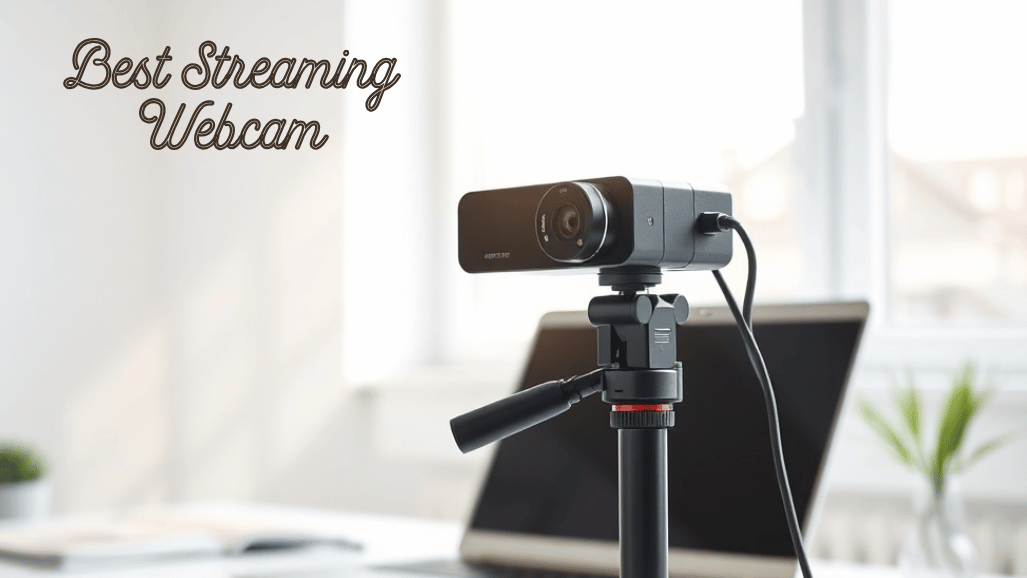
Best Streaming Webcam
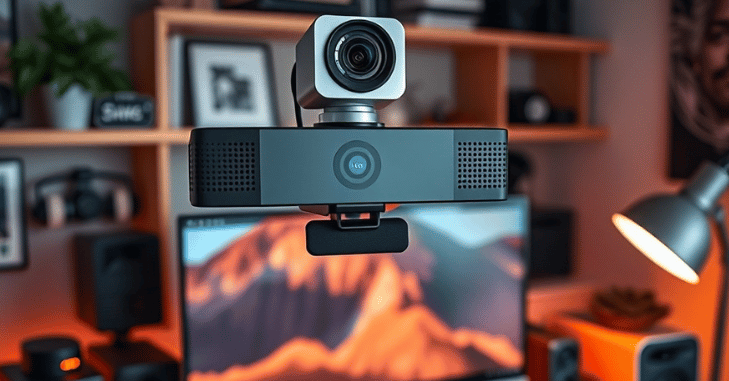
In the modern digital era, a high-quality webcam is essential for anyone who creates content, streams gameplay, or participates in remote work. The Best Streaming Webcam can make the difference between professional, engaging video and grainy, low-quality footage that fails to connect with viewers or colleagues. We break this down further in Best Cameras for Vlogging.
Whether you’re a content creator building a YouTube channel, a gamer broadcasting on Twitch, or a professional attending video conferences, choosing the right webcam ensures clear visuals, smooth performance, and reliable low-light handling.
Key Features to Look for in a Streaming Webcam
Understanding essential webcam features makes it easier to choose the right model for your needs. The right combination of resolution, frame rate, focus system, and low-light performance ensures clear, professional-quality video for streaming, gaming, or work.
Video Resolution
Video resolution determines how sharp and detailed your image appears on screen. Choosing the right resolution depends on your content style, system performance, and lighting setup.
1080p Full HD
1080p webcams are ideal for most users and offer an excellent balance between video quality and performance. They require less bandwidth and system resources while still delivering crisp, professional-looking video. Full HD webcams are widely supported across streaming platforms, video conferencing apps, and social media channels, making them a reliable choice for everyday use.
4K Ultra HD
4K webcams deliver extremely sharp and detailed visuals, making them ideal for professional creators and advanced streaming setups. They allow cropping and digital zooming without sacrificing image quality, which is useful for high-end content production.
Frame Rate and Video Smoothness
Frame rate affects how smooth motion appears in your video. Standard frame rates work well for meetings, presentations, and casual streaming. Higher frame rates provide noticeably smoother motion, which is especially beneficial for gaming streams, fast movements, and dynamic content. Gamers and content creators benefit the most from higher frame rates, as they reduce motion blur and improve overall visual fluidity.
Autofocus and Image Clarity
Autofocus technology ensures your face remains sharp and in focus, even when you move during a stream or presentation. This feature automatically adjusts focus in real time, making it ideal for streamers, presenters, and creators who frequently shift position. Autofocus maintains image clarity and prevents the soft or blurry appearance common with fixed-focus webcams.
Low-Light Performance
Not every streaming setup has perfect lighting. Strong low-light performance allows webcams to deliver clear videos even in dim environments. Features such as larger camera sensors, HDR support, noise reduction, and automatic exposure adjustment help reduce graininess and improve color accuracy.
Field of View and Framing
Field of view determines how much of the surrounding area is visible in the frame, and it is an important consideration when selecting the Best Streaming Webcam. Narrow viewing angles work best for solo users who want a focused, professional look, while wider fields of view are ideal for group calls, desk setups, or showing more background elements.
Built-In Microphones
While external microphones provide superior audio quality, built-in microphones are convenient for quick calls, travel, or backup use. Webcams with dual stereo microphones and noise reduction deliver clearer voice pickup and reduce background noise, making them suitable for casual streaming and professional video calls.
Options by User Type
Key requirements
- Accurate color reproduction
- Autofocus for consistent sharpness
- Manual control options (brightness, contrast, white balance)
- Software support for customization
Ideal for
- Video platforms (YouTube, TikTok)
- Tutorials and educational content
- Podcasts and vlogs
Streaming Webcams for Gamers
Important features
- High frame rates for smooth motion
- Low latency for real-time streaming
- Autofocus to maintain clarity during movement
- Compatibility with streaming software (OBS, Streamlabs, etc.)
Perfect for
- Live gameplay
- Reaction videos
- Competitive gaming streams
Streaming Webcams for Professionals
Key needs
- Sharp Full HD video
- Good low-light performance
- Plug-and-play functionality
- Compatibility with video conferencing apps (Zoom, Teams, Google Meet)
Ideal for
- Remote work and hybrid teams
- Online interviews
- Business presentations and meetings
1080p Streaming Webcams
- Affordable pricing
- Lower system demands
- Excellent quality for streaming and meetings
- Wide platform compatibility
4K Streaming Webcams
4K webcams deliver exceptional quality but require the right setup.
Advantages of 4K Webcams
- Ultra-clear visuals
- Future-ready technology
- Professional-grade output
- Flexible framing and zooming
Things to Consider
- Higher cost
- Strong lighting required
- Powerful hardware needed
Lighting and Webcam Performance
Lighting plays a major role in video quality, and even the best webcam cannot compensate for poor lighting. To improve your video, use a ring light or soft light positioned in front of you, avoid strong backlighting, and take advantage of natural light whenever possible. Proper lighting dramatically enhances webcam performance, making your video appear clearer, sharper, and more professional.
Software Support and Controls
- Brightness and contrast adjustment
- White balance control
- HDR activation
- Field of view settings
These tools help achieve consistent and professional results.
Mounting and Placement Options
Common mounting options
- Monitor clips
- Tripod mounts
- Desk stands
Compatibility and Ease of Use
Most modern webcams are designed to be plug-and-play, making setup quick and hassle-free. To ensure smooth performance, choose the Best Streaming Webcam that is compatible with Windows and macOS, popular streaming platforms, and video conferencing tools. Selecting a webcam with broad compatibility and easy setup saves time and prevents technical issues during streaming, content creation, or online meetings.
Budget, Mid-Range, and Premium Webcams
Budget models
- Basic Full HD video
- Fixed focus
- Suitable for beginners
Mid-range models
- Better sensors
- Autofocus
- Improved low-light performance
Premium models
- 4K resolution
- HDR support
- Professional-grade image quality
Conclusion
Choosing the Best Streaming Webcam is an important step for creators, gamers, and professionals who want to present themselves clearly and professionally online. For most users, a 1080p webcam with autofocus and strong low-light performance provides an ideal balance of quality, reliability, and affordability.
Advanced users and professional content creators may benefit from a 4K webcam for ultra-sharp visuals, greater flexibility, and future-proof performance. When selecting a webcam, consider your platform, lighting setup, hardware capabilities, and budget to ensure seamless streaming or video conferencing.
Want to know about PS5 Storage Upgrade: Complete Guide to Expanding Your Console’s Storage with Compatible SSDs, Installation Steps & Performance Tips Check out our Hardware category.
FAQs
Your computer’s built-in webcam will work in an emergency, but it’s probably not a good choice for high-quality streaming.
Both 1080p and 720p resolutions at 30 frames per second are supported with the Logitech C920.
You can broadcast effectively without OBS Studio in 2025. The best option ultimately depends on how you stream, not just what you stream with.
Perhaps the most well-liked camera among YouTubers now is the DJI Osmo Pocket 3.